Sunday, December 03, 2006


Thursday, November 23, 2006
Wednesday, November 22, 2006
other side of the river
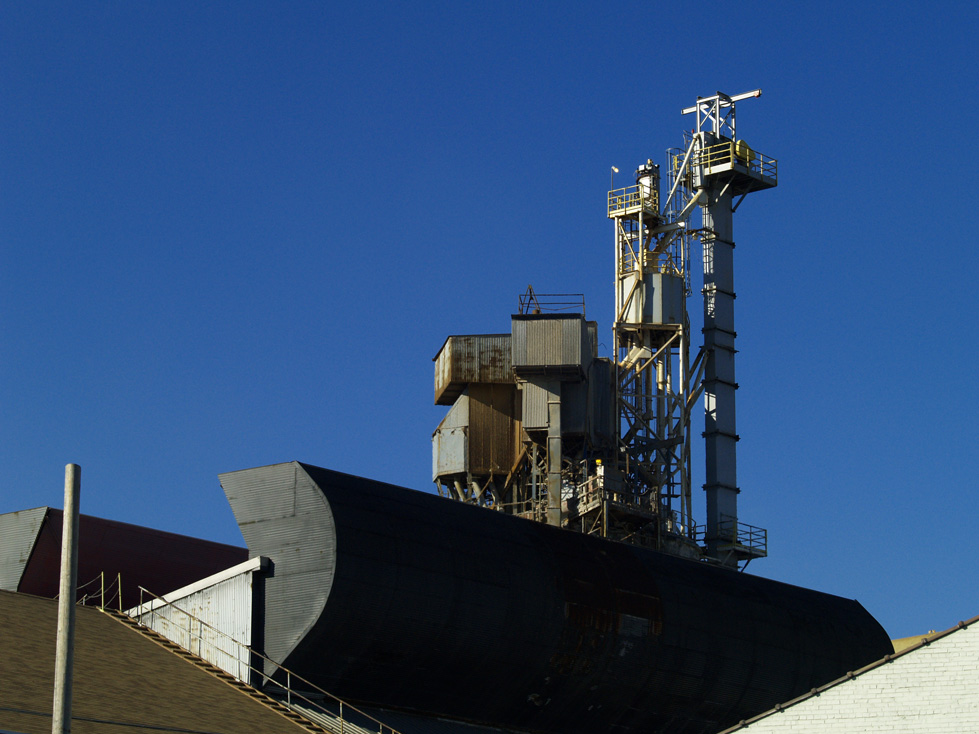
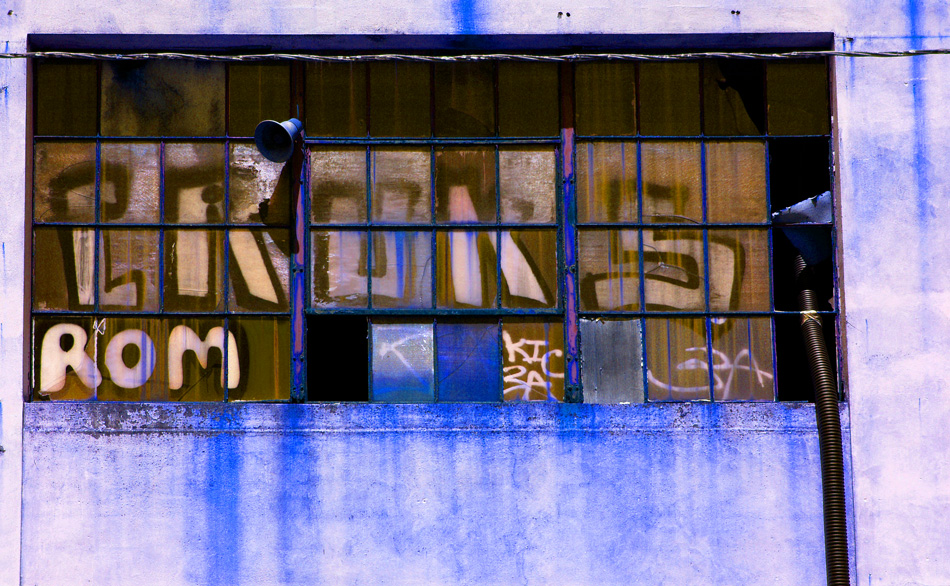
Both the other side of the Duwamish river and down stream on the other side of the bridge from the marina in the previous post. Obviously the two photos where taken on different days in different weather.
Duwamish Marina
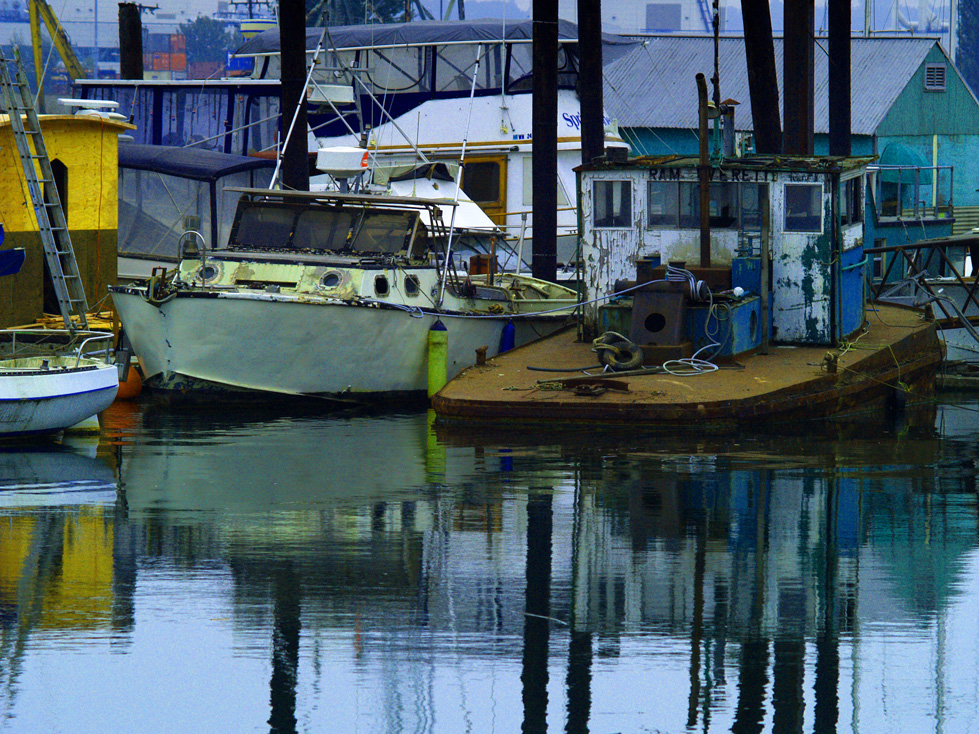
This marina is very small and in an obscure location. It is on the south side of the river just upstream of the Duwamish Bridge. It is located on a marginally paved dead end road deep within an industrial wasteland of ironworks and marine construction. The marina itself is closed to the public. I was photographing from a bulkhead just west of the marina which is the only place where the road gives you a view of the river. This is not a destination spot for international tourism.
Saturday, November 18, 2006
Doors
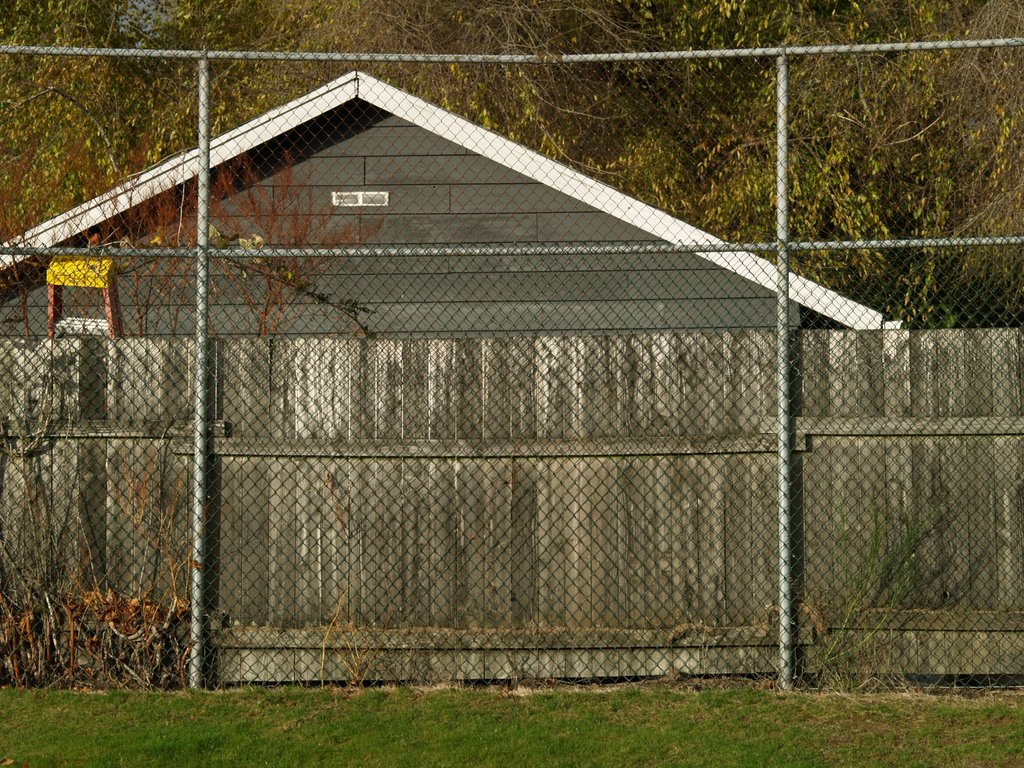
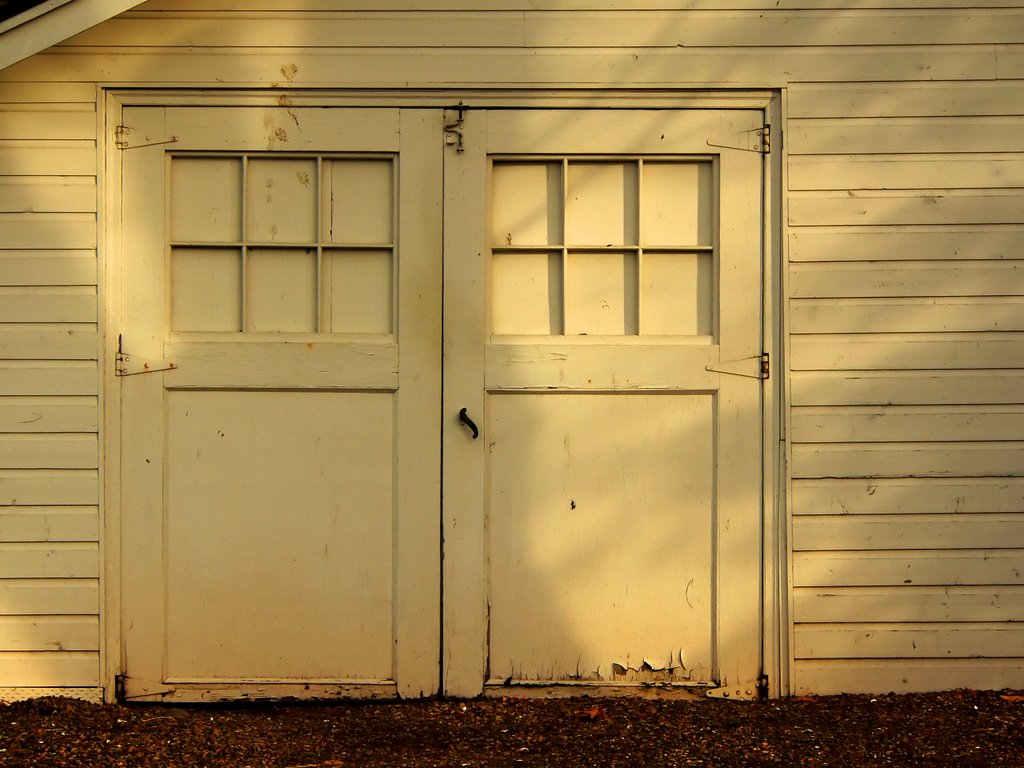 The light was wonderful in Lake Burien School park as I drove by so I stopped to take a few exposures. This sun was coming in and out of the clouds so the contrast was changing all the time. I saw this garage and the light on the doors and walked over to take a look at it. After about a dozen exposures the home owner came out to get his mail and to look me over. I greeted him but he didn't say anything. I was shooting from the park so there wasn't much for him to complain about.
This was taken with my Lumix FZ20. My Olympus E-500 is in need of a new sensor due to color rendering problems . See Color Shift. After half a year of shooting with the E-500 it is a bit of a transition to go back to my FZ20 but the camera takes very good photos and renders color better than the E-500. I assume this will be rectified with the replacement of the sensor.
Tuesday, November 14, 2006


Thursday, November 09, 2006
Mr. True's Farm
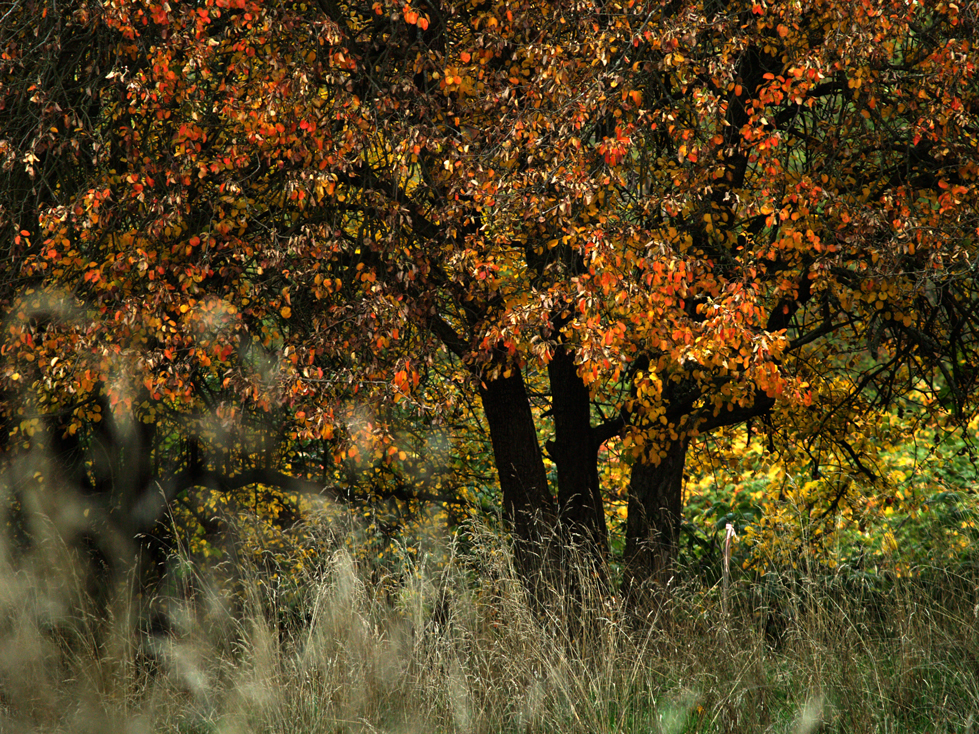

This is the place where we boarded our horse called Oats in 1960. We lived just a few blocks up the street for a short time while our house was being completed. I was the only one in the family who rode Oats.
Update 11/11/07 The farm is no longer there, it was sold to a developer. This has happened to me about five times in the last two years. The subjects of my photos go out of existence forever.
Wednesday, October 25, 2006

Tuesday, October 24, 2006

Monday, October 23, 2006
Tuesday, October 17, 2006
Saturday, October 14, 2006
Thursday, October 12, 2006

Thursday, October 05, 2006
Wednesday, October 04, 2006

Thursday, September 28, 2006
Wednesday, September 27, 2006
Home Sweet Home
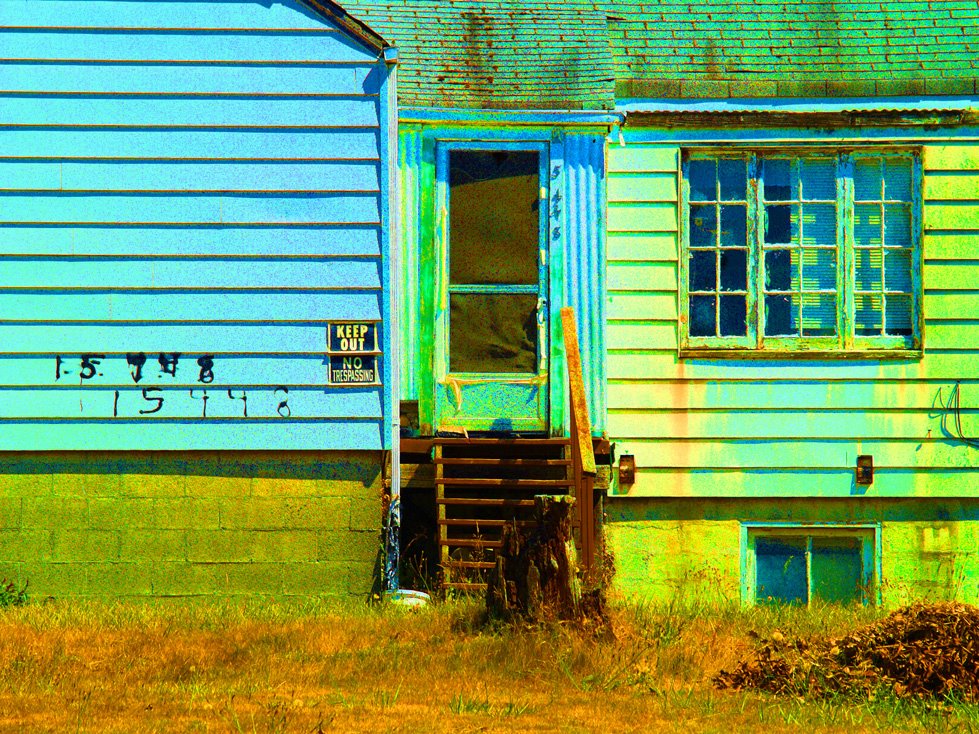
Not my house, just a house which caught my eye. If it had a porch I would expect to see someone with a shotgun sitting in a rocking chair on the porch. It was that sort of place.
Tuesday, September 26, 2006
Color Shift
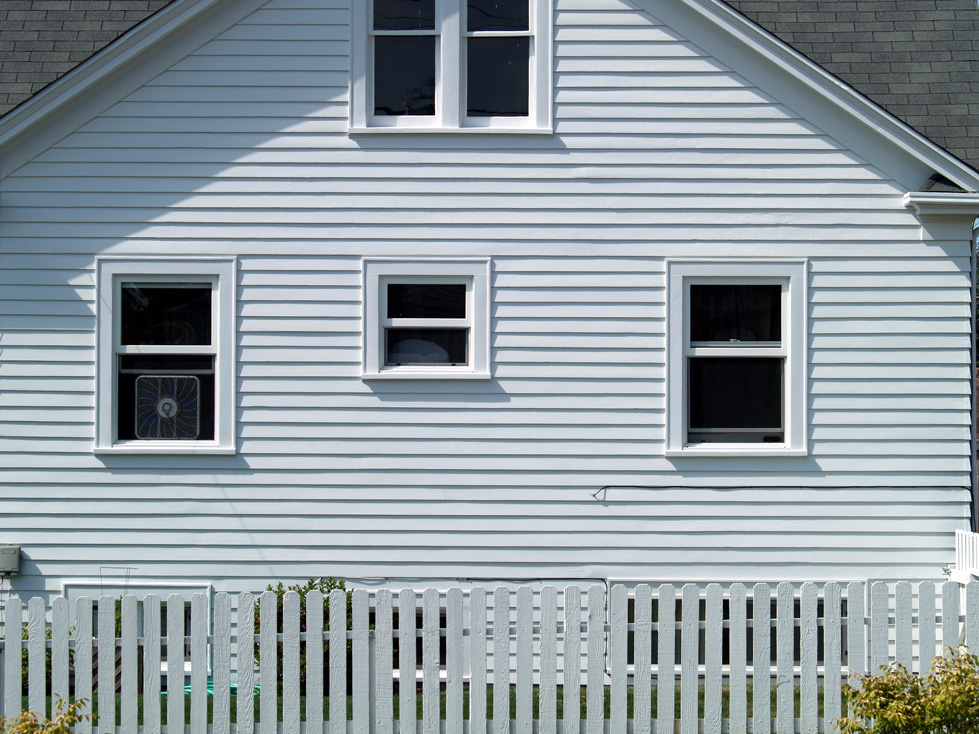
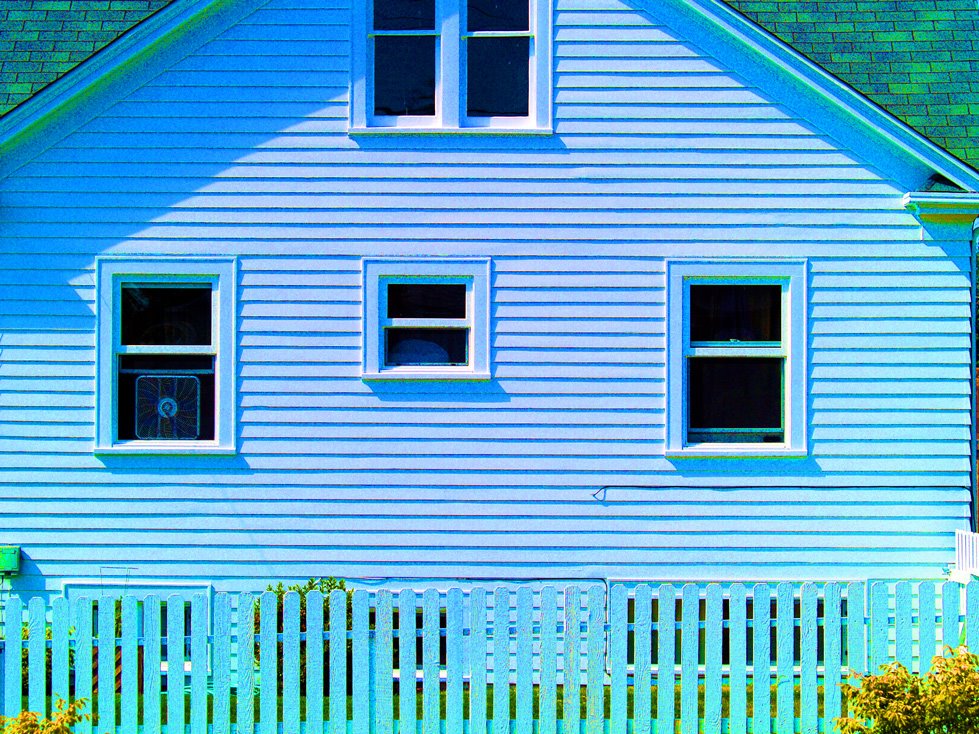
Notice the blue center with the green edges. A lens fault which only appears when you over saturate the image using Photoshop or something similar.
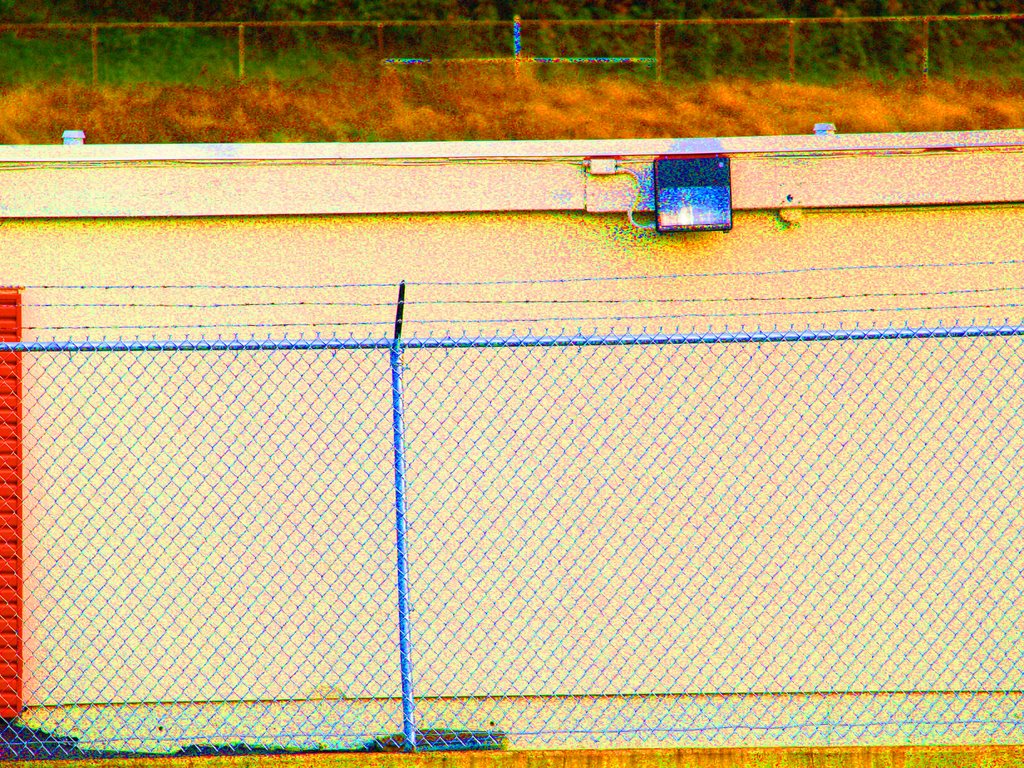
This is an update on the color shif problem. I have been talking to Olympus tech support about this and they tell me it is caused by light falloff in their kit lenses not a problem with the sensor in the E-500. The told me to try a high quality lens and see if the problem disappeared. So I went to the camera store today and had them mount an Olympus 50-200mm f/2.8-3.5 ED Zuiko Digital lens. I stepped outside took the following shots at f5.6 zoomed out to 182mm of some walls with sunlight on them. This lens appears to produce EXACTLY the same effect as the 40-150 3.5-4.5 kit lens. So using a high quality lens doesn't eliminate the problem. Looks like the hot spot is off center on the toward the left hand side of the image no matter what lens is mounted on the camera.
UPDATE 11/24/06 After sending Olympus several more images they agreed with me that this is a defect in the sensor and they authorized Rainier Photographic Supply (Burien WA) to give me a new E-500 body. My tests with the the new E-500 body verify that the color problem was independent of vignetting a.k.a. light fall off. I should mention that during this process I received excellent support both from Olympus and Rainier Photographic Supply .
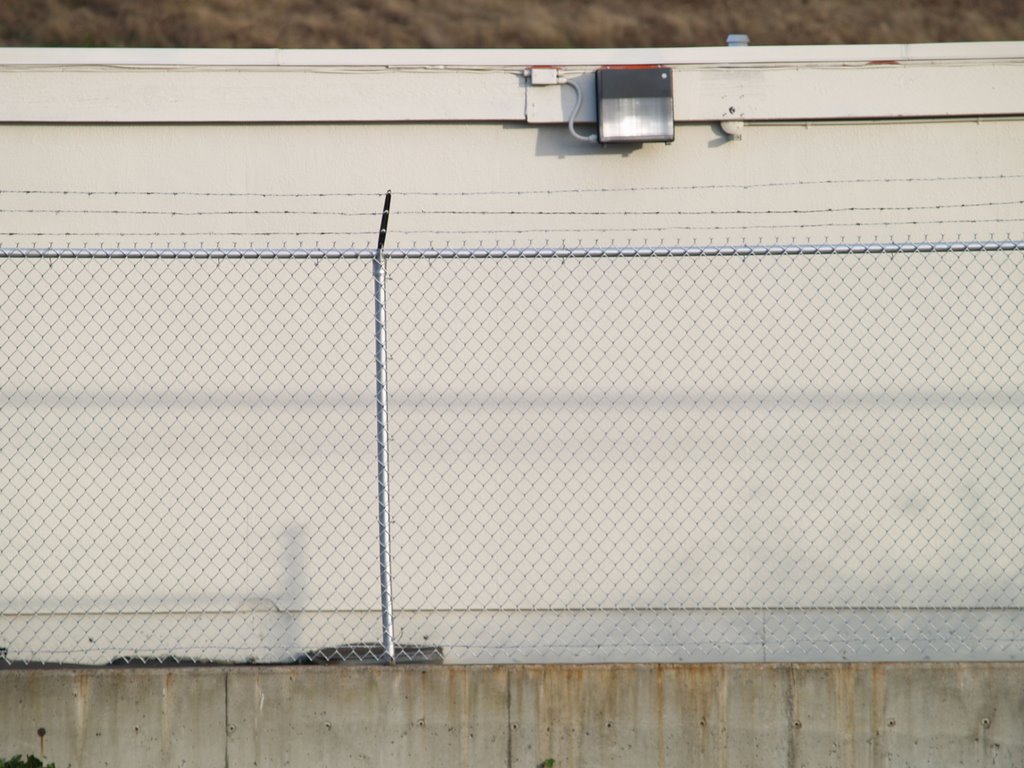
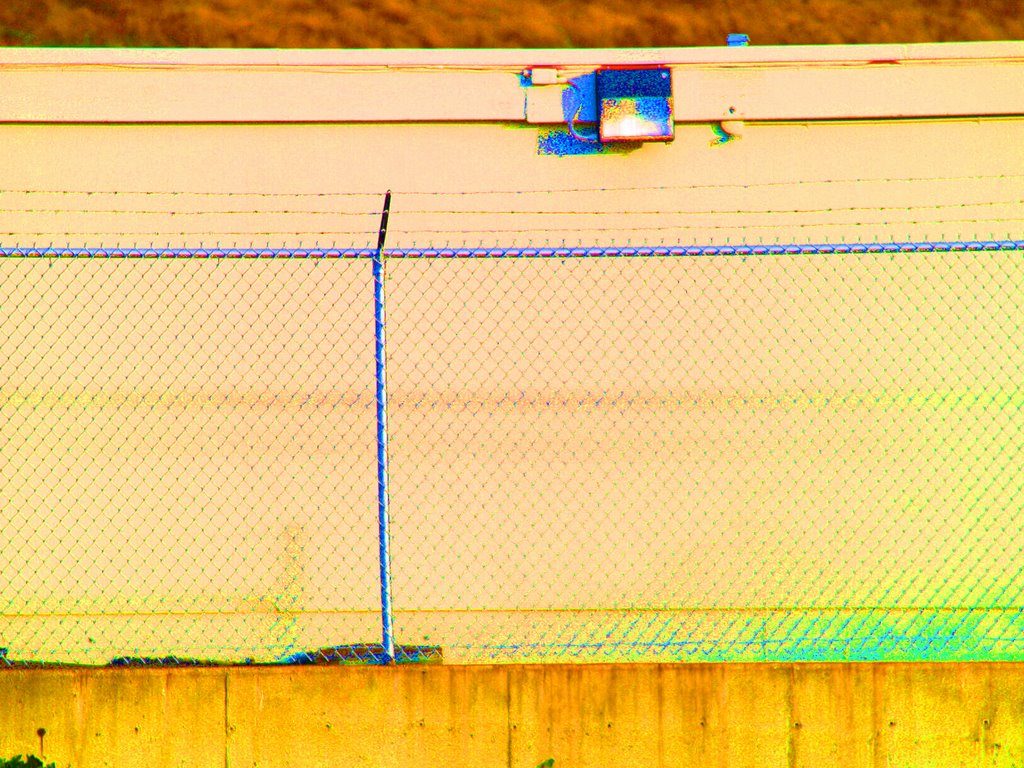

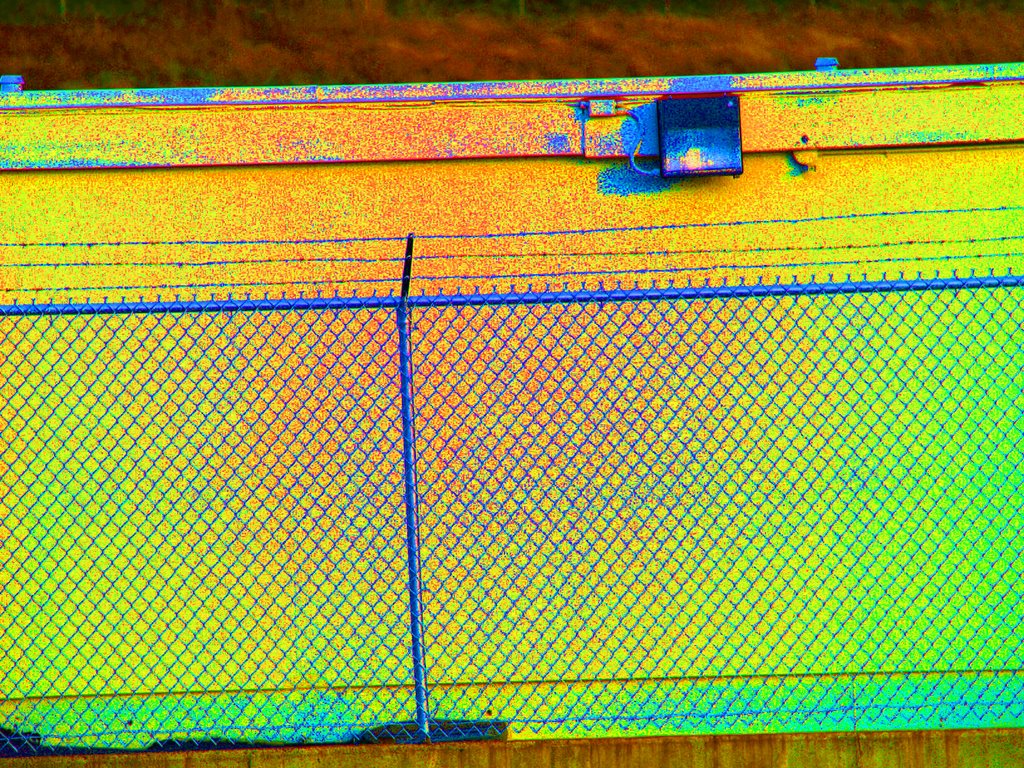
Same lens but a differnet E-500 BODY same focal length 182mm and f-stop f5.6. The hot spot disappears. Guess what? Bad sensor?

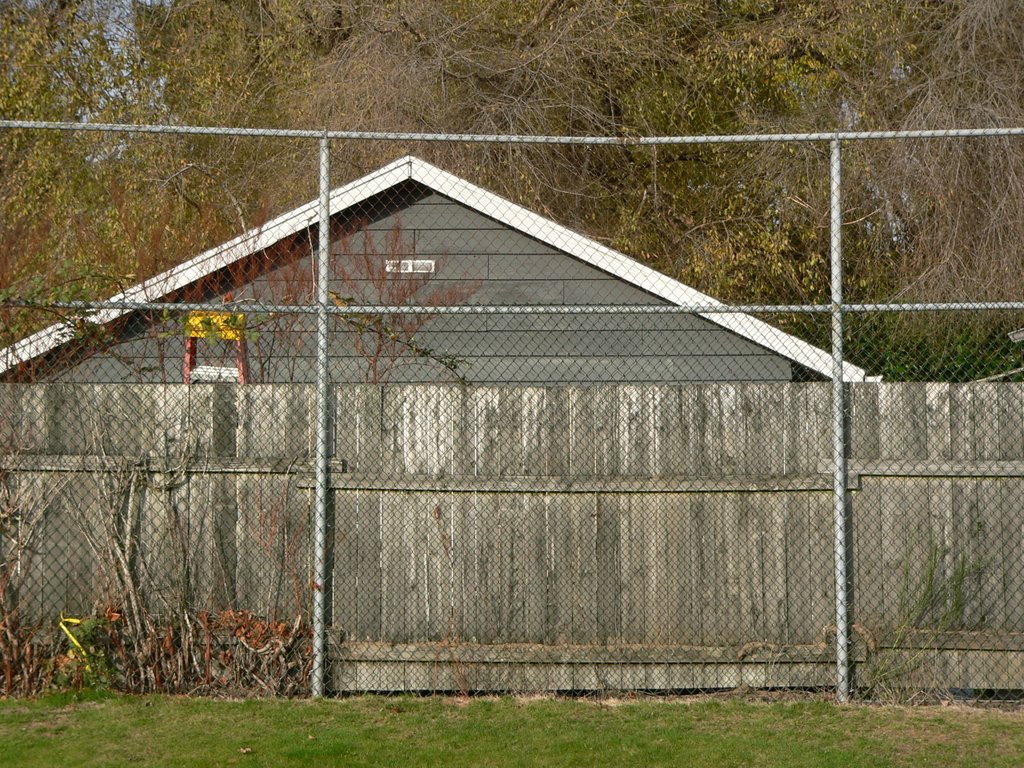
 Seen below are two shots, the raw files with no post-processing, of the same scene taken on different days but in similar lighting. The top photo was taken with a Lumix FZ20. Click on it to enlarge it an take a close look at the gray fence. Notice how even the grey is from left to right on the fence.
Now click on the second shot and take a hard look at the fence. Notice how the undertone of the grey is warm (pinkish) in the middle and green on the right side. It is nearly impossible to color correct such a photo. If you make the grey neutral in the middle the right side will become even more green. If you make the right side neutral then the center will become even more warm. You cannot win with shots like this one.

Subscribe to:
Posts (Atom)